El’s website. The design is in index.html and assets/. The words and photos are in content/ and photos/.
content folder and pick a file, for example wushu.md.| File | Section on the page |
|---|---|
content/hello.md |
The introduction at the top. The list becomes the coloured tags. |
content/hello-photo.md |
The big photo at the top |
content/wushu.md |
01 Move |
content/school.md |
02 Lead |
content/planet.md |
03 Care |
content/dream.md |
04 Dream |
content/explore.md |
05 Explore |
content/books.md |
06 Read |
content/say-hi.md |
07 Say hi |
content/pages/record.md |
The “Competition record” page |
content/pages/clubs.md |
The “Clubs and courses” page |
# Big title
## Smaller title
Normal text. **Bold text gets a highlighter.**
- a list item
- another one
> A quote, shown in handwriting.
[words to click](https://example.com)

| Year | Competition | Result |
|------|-------------|--------|
| 2026 | Name of the competition | Gold |
In a table, the last column is coloured automatically when it says Gold, Silver, Bronze or Rank.
photos folder. Use a simple name with no spaces, like kinabalu.jpg..md file write 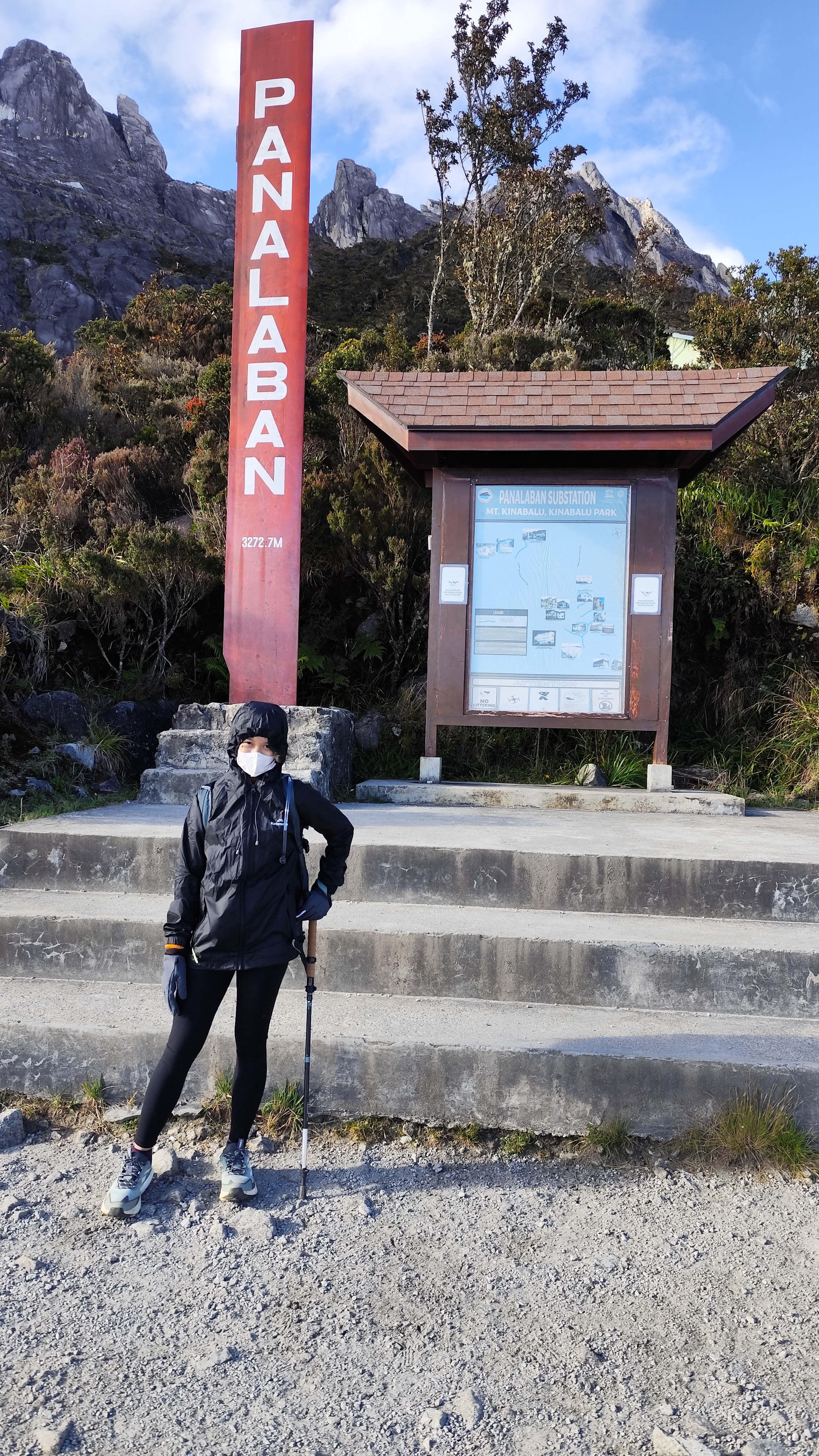.If the page shows a striped box that says “photo goes here”, the file named in the box is missing from photos. Add a photo with exactly that name and it will appear.
Keep photos small: about 1200 pixels wide is plenty.
content/pages, for example books.md.[my books](page.html?p=books).Open index.html, copy one <section> block, and point data-md at your new .md file.
Colours: t-coral, t-sun, t-mint, t-lilac, t-sky.
python -m http.server 8000
Then open http://localhost:8000. Opening index.html by double click will not work, because the browser blocks loading the Markdown files that way.